

Start An Account
Make Local Delivery One Less Thing To Manage.
Start an account for local medical delivery without guessing the next step. Introduce your company and business contact. We review the workflow, service requirements and setup with your team before booking access begins.
Background-Checked Drivers
Insured Couriers
Live Delivery Tracking
Electronic Proof Of Delivery
A Clear Start
Your Company. Your Contact. Your Next Step.
Add your business address and the person we should contact. Our team will review your request before arranging account access and service.
01
We Review Your Request
Your company details and primary contact give our team a starting point.
02
We Confirm The Setup
We discuss service needs, billing arrangements and access before you start booking.
Prefer to talk? (949) 432-7950
From The MOVE Blog
Build A Better Delivery Routine.
Practical reading for the people coordinating local healthcare deliveries.
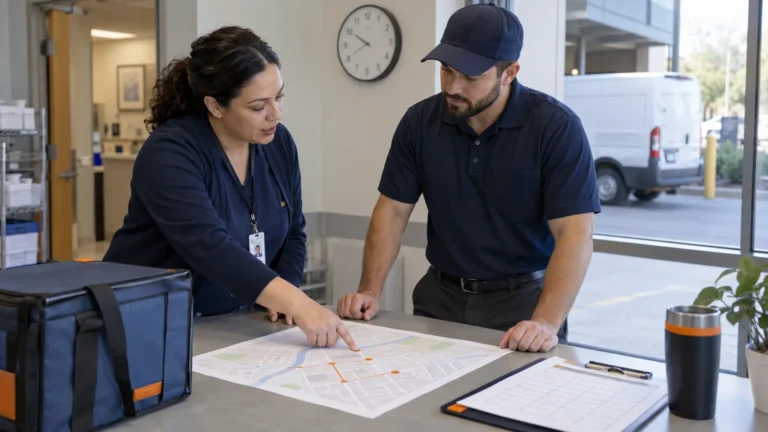
Courier ETA Planning: Why Drive Time Is Not Delivery Time
Courier ETA planning should answer when the agreed receiving handoff is expected—not simply how long a vehicle might spend on…
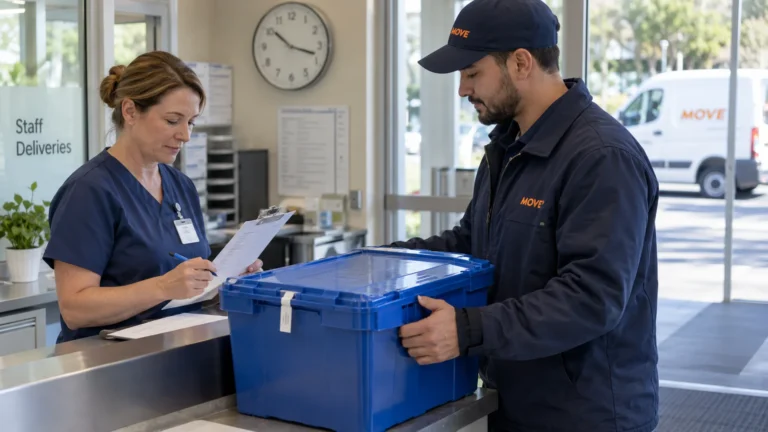
Last-Mile Delivery Service Levels: What Your Contract Must Define
Last-mile delivery service levels describe the work a customer and courier have actually agreed to assess. “Fast,” “reliable” and “same…
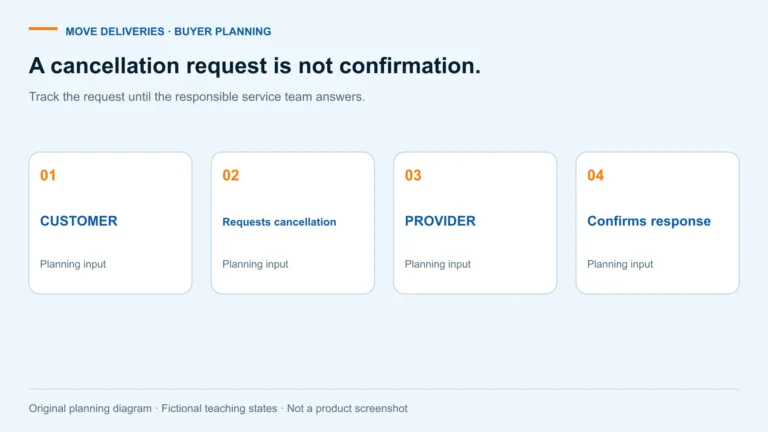
Medical Courier Pickup Cancellation: 7 Clear Decisions
Stopping a request should be as clear as starting one. Close the loop before another team acts on old instructions.
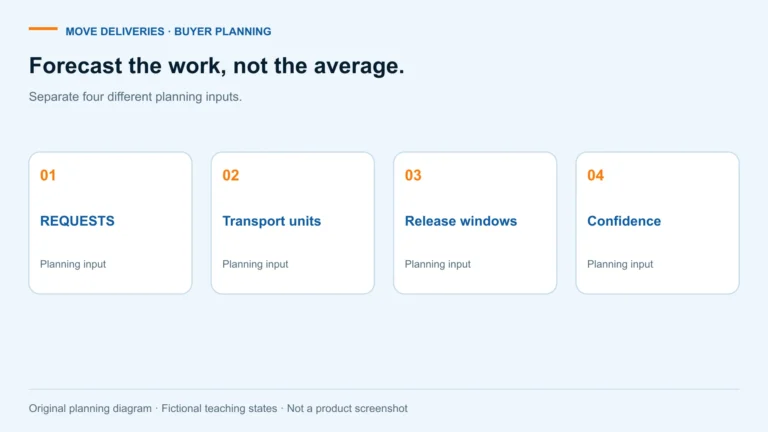
Medical Courier Demand Forecasting: 7 Planning Checks
Give the courier a clearer picture of next week—not a daily average that hides the busiest hour.
Start An Account With A Clear Local Delivery Plan
What Does The Account Request Do?
Use this form to introduce your company and the person we should contact about local medical deliveries. When you start an account, the submitted details give our team a reviewable starting point. They do not automatically create live booking access, reserve capacity or establish final billing terms. The team confirms the setup, service requirements and next steps with your business contact before deliveries begin.
Which Business Contact Should I Use?
Choose a person who can discuss the operating workflow and receive setup questions. Enter an accurate business email and phone number. If another colleague manages billing or receiving instructions, identify that responsibility during the setup conversation rather than entering unrelated personal information in the public form. The first request should make it easy to reach the person who can explain what your team needs.
How Detailed Should The Address Be?
Provide the company address requested by the form and verify the city, state and ZIP code. A company address is not a complete delivery stop list. If your program includes several pharmacies, collection sites or care locations, bring the actual pickup and receiving points to the service review. Suite numbers, entrances, receiving hours and authorized contacts can all affect how a local receiving process should work.
What Should We Prepare For The Service Review?
Describe the items, expected frequency, package readiness and destination windows. Explain the coordination problem your staff want to remove. When you start an account for recurring work, a representative week is more useful than an assumed delivery volume. The team can review scheduled pickups, fixed routes or dedicated courier capacity against the workload rather than recommending one model for every business.
How Are Access And Billing Confirmed?
Account access, authorized users, required completion evidence and commercial arrangements are discussed during setup. Do not send card details, bank information or patient records through this public form. A successful website submission confirms receipt of your request, not acceptance of every service or billing requirement. Review the arrangements with the team before treating the account as ready for active deliveries.
Only Need One Local Delivery?
Quick Quote is the more direct starting point when you have a package, route and delivery window ready to review. You can start an account when your team needs an ongoing arrangement. For a question about an existing account, use the contact page or the agreed operational contact. Keeping those requests separate helps the right person review the information without another round of clarification.
A Useful Reference Before Your Next Step
Prepare For The Setup Conversation
Bring one representative local route, its receiving hours and the person who can confirm the workflow. Review how delivery requests are handled before choosing who needs booking or tracking access. If the program includes protected information, your privacy officer should review HHS guidance and its exceptions. This account request does not ask you to upload patient records, banking documents or passwords. The team confirms the appropriate setup process with you.